
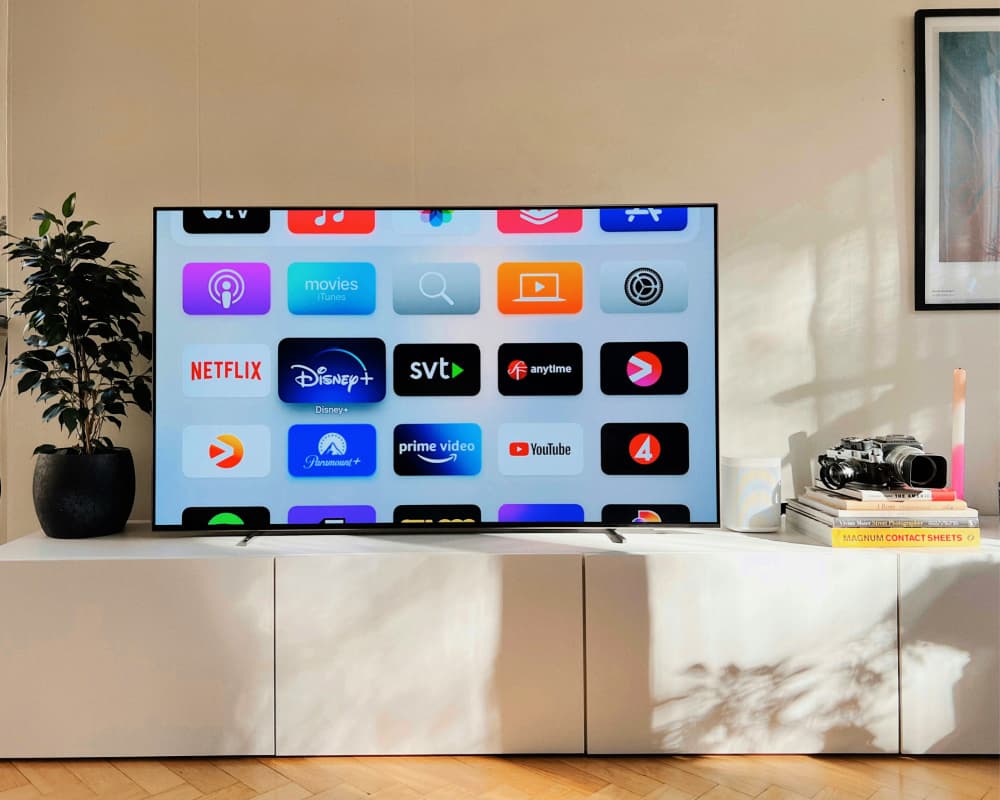
Seamless streaming isn’t just a luxury—it’s an expectation. A stutter-free video, crystal-clear audio, and instant playback are hallmarks of a well-tuned connection. By harnessing the power of robust broadband, you can transform your living room into a personal cinema, gaming den, or virtual concert hall. Here are the broadband streaming tips that will elevate every frame and note of your favorite content.
1. Secure Sufficient Bandwidth
A buffer-ridden stream kills immersion. To banish buffering, match your plan’s throughput to your viewing habits. For single-screen HD streaming, aim for at least 5 Mbps. For 4K Ultra HD on multiple devices, target 25 Mbps or more per screen. When you provision bandwidth generously, you create a throughput tapestry that accommodates simultaneous streams without compromise.
2. Prioritize Low Latency
Latency is the delay between sending a request and receiving data. While download speeds dominate the conversation, latency dictates responsiveness. Sub-20 ms latency ensures live sports, interactive concerts, and multiplayer cloud gaming feel instantaneous. If your ping climbs above 50 ms, you may notice sluggish channel skips or choppy narratives. Low latency is essential in any broadband streaming tips arsenal.
3. Optimize Quality of Service (QoS)
Routers with QoS settings allow you to prioritize streaming packets over bulk downloads or peer-to-peer transfers. By flagging media clients—like smart TVs, game consoles, or streaming sticks—as high-priority devices, you ensure uninterrupted playback even when the household network buzzes with activity. This micro-prioritization transforms your router into a traffic conductor, orchestrating data flows with finesse.
4. Embrace Wired Connections When Possible
Wi-Fi is convenient, but Ethernet is supreme. A wired connection bypasses wireless interference—no more signal attenuation caused by walls or competing devices. Even a brief Ethernet tether can stabilize your throughput, eradicating jitter and packet loss. If your media hub is stationary, invest in Cat 6 cables for gigabit reliability and ultra-low jitter playback.
5. Tame Wi-Fi Interference
When cables aren’t feasible, strategic router placement mitigates wireless woes. Elevate your router to a central location, away from microwaves or cordless phones. Leverage the 5 GHz band for high-definition streams and reserve 2.4 GHz for less demanding devices. Scan neighboring networks with a Wi-Fi analyzer app and switch to the clearest channel. These are indispensable broadband streaming tips for unhindered coverage.
6. Deploy Mesh or Extender Systems
Large homes or multi-story layouts often suffer dead zones. A mesh-network architecture blankets your space with uniform Wi-Fi, handing off devices seamlessly as you roam. If mesh feels overkill, well-placed extenders can buttress weak spots. Position extenders roughly halfway between the router and the zone that needs bolstering. This ensures they receive a robust signal to rebroadcast.
7. Leverage DNS Caching
DNS resolutions precede every stream. Using a high-performance DNS server—such as Cloudflare’s 1.1.1.1 or Google DNS—can shave milliseconds off lookups. For avid users, setting up a local DNS cache (like Pi-hole) stores recent queries, accelerating repeat connections to streaming platforms. This micro-optimization streamlines loading times and reduces stutter.
8. Schedule Bandwidth-Heavy Tasks Wisely
Automatic backups, OS updates, and torrent clients can surge through your data pipe when you least expect it. Configure these tasks to run during off-peak hours—late at night or early in the morning. By deferring non-urgent transfers, you free bandwidth for prime-time streaming. It’s a simple chore that pays dividends in uninterrupted viewing.
9. Monitor Connection Performance
Knowledge is power. Regularly run speed tests at different times of day to detect performance dips. Record latency, jitter, and throughput. If your metrics consistently fall below advertised rates, raise a support ticket with your ISP. Empirical data strengthens your case for troubleshooting or a plan upgrade.
10. Upgrade Your Plan and Hardware Strategically
If you’ve exhausted optimizations yet still experience hiccups, it may be time for an upgrade. Consider plans with higher symmetrical speeds or lower contention ratios. Modern routers supporting Wi-Fi 6 (802.11ax) deliver greater capacity in dense device environments. Evaluate ISP offerings and router capabilities to ensure you’re harnessing cutting-edge technology for maximum enjoyment.
Streaming should be a delight, not a test of patience. By integrating these broadband streaming tips, you’ll craft a high-fidelity ecosystem where every pixel glows and every chord resonates. From optimizing your hardware to mastering network configurations, each tweak brings you closer to a cinematic, immersive experience right at home.
About the Author




